

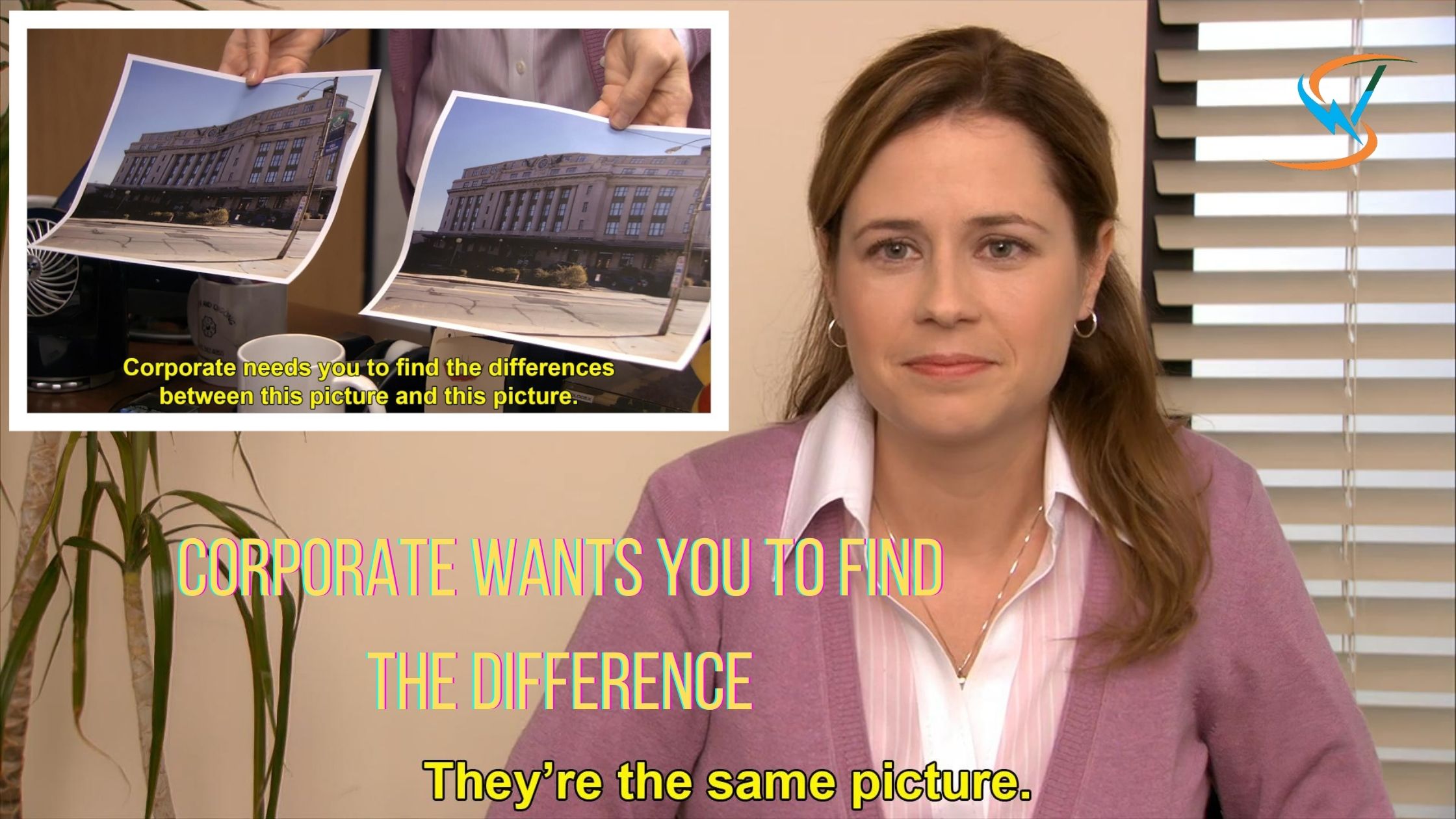
If you have spent even a little time on Reddit, Instagram, X, or meme pages over the last few years, chances are you have seen the famous “Corporate Wants You to Find the Difference” meme.
Honestly, it is one of those meme formats that never really disappears.
Every few weeks, I still come across new versions comparing:
- AI tools
- smartphone launches
- streaming services
- copied startup ideas
- SEO strategies
- social media trends
And somehow, the joke still works every single time.
After analyzing the current search results for this keyword, I noticed most ranking pages focus only on the template itself. They briefly mention The Office, show the meme image, and explain that “they’re the same picture.”
But the actual search intent goes deeper than that now.
People want to know:
- where the meme originated
- why it became viral
- what it actually means
- why it still trends years later
- how people use it online today
So in this article, I will break down the meme properly while also sharing why this format continues dominating internet culture even in 2026.
What does Corporate Wants You to Find the Difference mean?
“Corporate Wants You to Find the Difference” is a popular comparison meme taken from The Office. It is also widely known as the:
- “They’re the Same Picture” meme
- “Pam Same Picture” meme
- “Corporate Needs You to Find the Differences” meme
The joke format is extremely simple.
One image shows two pictures being compared with the caption:
“Corporate needs you to find the differences between this picture and this picture.”
The second panel then delivers the punchline:
“They’re the same picture.”
The humor comes from comparing two things that appear different on the surface but are actually almost identical.
That simplicity is exactly why the meme became one of the internet’s most reusable formats.
Why the Meme Became So Popular
This meme works because it instantly communicates an opinion.
Instead of writing a long explanation about why two products or ideas are similar, creators can summarize everything using one image.
That makes it perfect for internet culture.
People now use the meme to compare:
- identical products
- copied content
- rebranded apps
- repetitive AI tools
- similar politicians
- streaming services
- gaming franchises
- tech companies
The meme basically became shorthand for:
“These things are pretending to be different, but they are basically the same.”
That idea is universally relatable online.
How to Create “Corporate Wants You to Find the Difference” Memes Online
One reason this meme stayed popular for so many years is because it is incredibly easy to recreate. You do not need advanced design skills or expensive editing software. In fact, most people create these memes in just a few minutes using free online tools.
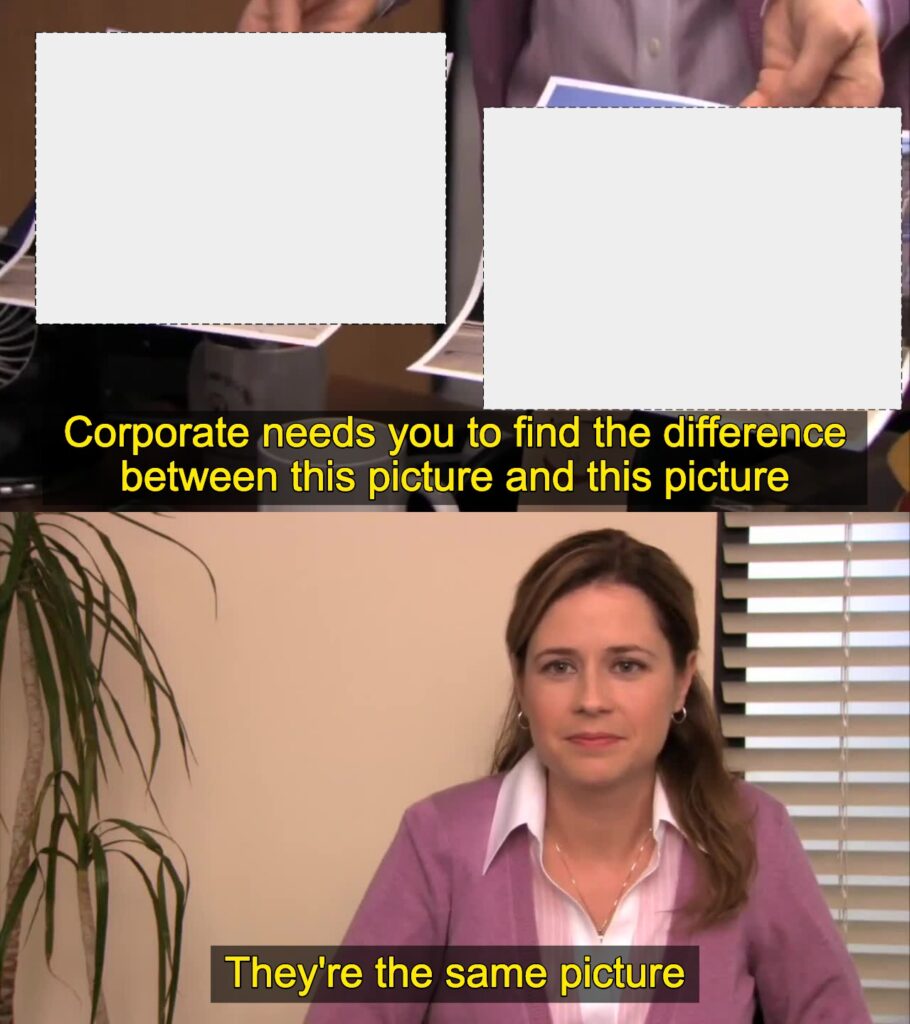
The standard meme structure usually includes:
- the original scene from The Office
- two comparison images
- the “Corporate needs you to find the differences” text
- the “They’re the same picture” punchline
The best memes are usually based on relatable comparisons. Instead of forcing random jokes, I recommend focusing on trends people already notice themselves.
For example:
- two nearly identical AI tools
- smartphone launches with minor upgrades
- copied website designs
- repetitive SEO advice
- rebranded software products
That relatability is what makes the meme instantly funny.
Step-by-Step Process to Create the Meme
1. Choose Your Comparison
Start by identifying two things that look different but are actually very similar.
Some common meme ideas include:
- AI chatbots
- streaming platforms
- corporate logos
- app redesigns
- gaming franchises
- marketing strategies
The more relatable the comparison, the better the meme usually performs.
2. Download the Meme Template
You can either:
- use the original screenshot template
- create your own custom version
- edit an existing blank meme
Most meme generator websites already provide editable templates.
3. Add Your Text
The standard format usually says:
“Corporate needs you to find the differences between this picture and this picture.”
Then the punchline:
“They’re the same picture.”
You can keep the original wording or customize it slightly depending on your niche.
4. Export and Share
Once finished, you can post the meme on:
- X/Twitter
- meme communities
- marketing pages
Short, relatable memes often perform surprisingly well on social media because people immediately understand the joke.
Top 5 Free Resources to Create Corporate Wants You to Find the Difference Memes
After testing different meme generators and editing tools, these are some of the easiest free resources for creating “They’re the Same Picture” memes online.
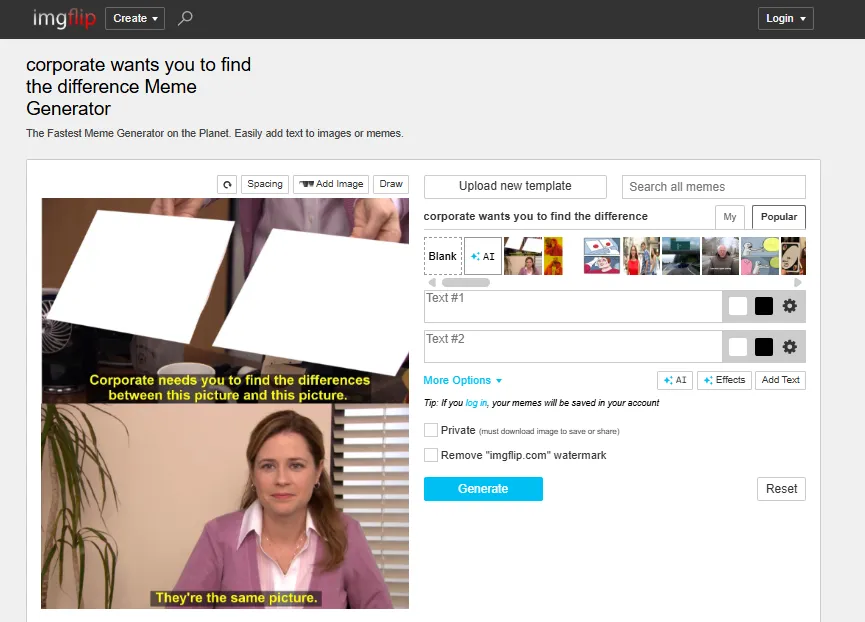
1. Imgflip Meme Generator
This is probably the fastest option for beginners.
You simply:
- select the meme template
- edit the text
- export the image
It already includes popular versions of the “Corporate Wants You to Find the Difference” meme, which makes the process extremely quick.
Best for:
- quick meme creation
- beginners
- social media posts
2. Canva
I personally like Canva when creating cleaner or branded meme graphics.
It gives more flexibility for:
- fonts
- layouts
- custom images
- branding
- resizing
This works especially well if you want to create memes for:
- blogs
- marketing pages
- professional social posts
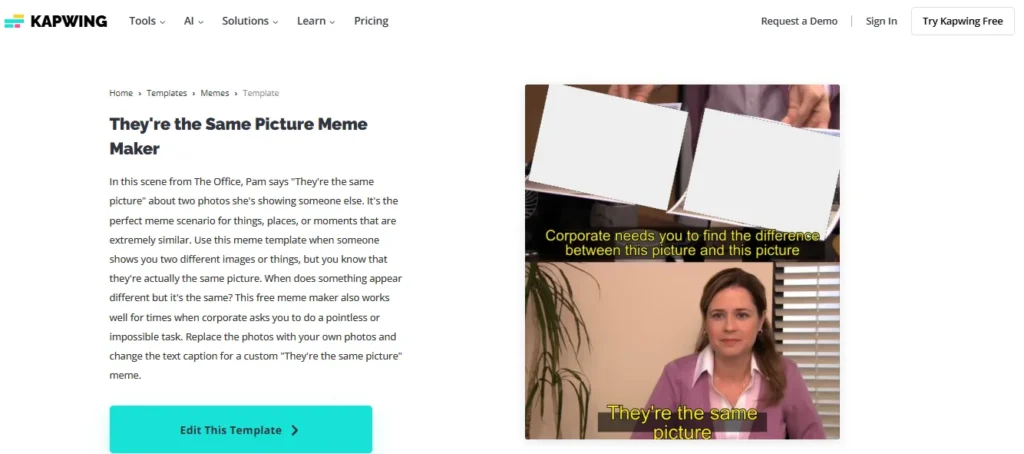
3. Kapwing Meme Maker
Kapwing is useful if you want more editing control without using Photoshop.
You can:
- upload custom screenshots
- add subtitles
- resize content
- edit templates
It is particularly helpful for modern meme formats and short-form social content.
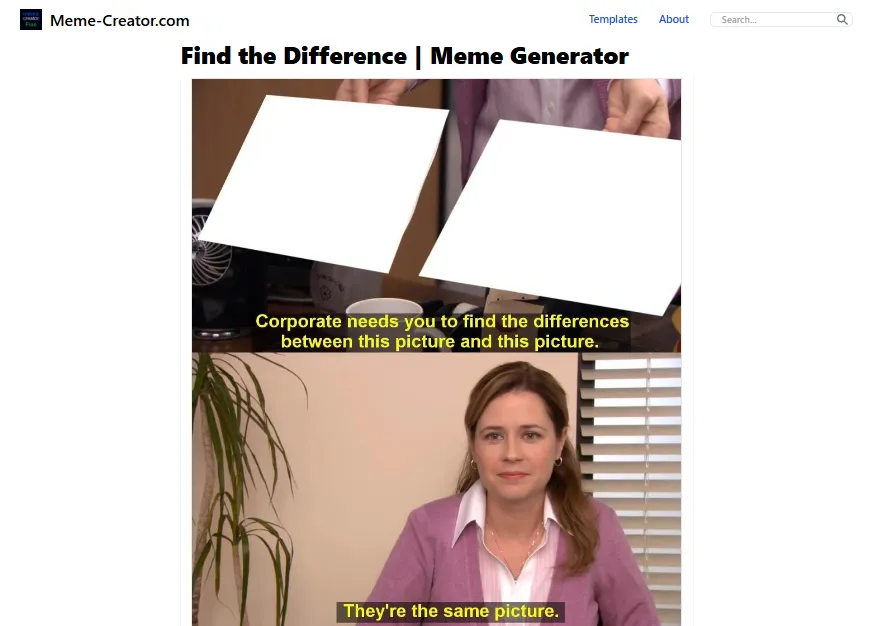
4. Meme Creator
This is one of the older meme websites still widely used online.
It contains:
- classic meme templates
- user-created variations
- downloadable formats
Good for:
- traditional meme formats
- fast edits
- simple image exports
5. Adobe Express Meme Generator
If you want higher-quality meme visuals, Adobe Express is another strong option.
It offers:
- polished layouts
- modern text tools
- image enhancements
- social media sizing
This is useful for brands or creators who want memes that look more professional rather than intentionally low-effort.
Summing Up
The reason “Corporate Wants You to Find the Difference” became one of the internet’s most iconic memes is simple:
It perfectly captures modern online culture.
Different branding.
Different marketing.
Different presentation.
But sometimes…
they really are the same picture.
FAQs
What is the “Corporate Wants You to Find the Difference” meme?
It’s a two-panel image macro from The Office TV show, where Pam presents two identical pictures to Creed and says, “Corporate wants you to find the difference between this picture and this picture.” She then whispers, “They’re the same picture.”
Where did the Corporate Wants You to Find the Difference meme originate?
The scene comes from Season 7, Episode 25 (“Search Committee”) of The Office, aired in May 2011. The meme format gained popularity online around June 2018 when users began replacing the images with humorous comparisons.
Why is this Corporate Wants You to Find the Difference meme so popular?
Its versatility makes it ideal for satire, sarcasm, and commentary. People use it to mock corporate jargon, poke fun at marketing tactics, or highlight social and cultural ironies.
How do I create my own version of the Corporate Wants You to Find the Difference meme?
Use a blank template and upload your own images. Then add captions or stickers using meme generators like Imgflip, Kapwing, or GenerateMeme.com. Most tools offer drag-and-drop editing and font customization.


